Simple ERP for Small Manufacturers
PAX is a browser-based cloud ERP for small manufacturers. Keep inventory, purchasing, production, shipping, accounting and CRM in one system. PAX helps small manufacturers manage the work from a customer quote to a finished shipment, with onboarding and migration help included.
From $350/month for up to 5 main ERP users. Unlimited floor-only clocking users included. Plans cover one company at one location.
See plans and pricing14 days of ERP and CRM access. No credit card required.
About 17 team hours saved each month at Impulse Medical Technologies
Impulse Medical estimates that faster navigation and screen loading in PAX recover about 17 hours of team time per month. Its published story explains the move from a legacy ERP, the parallel evaluation, and the calculation behind that estimate.
Read the customer storySee a build move from BOM to finished stock
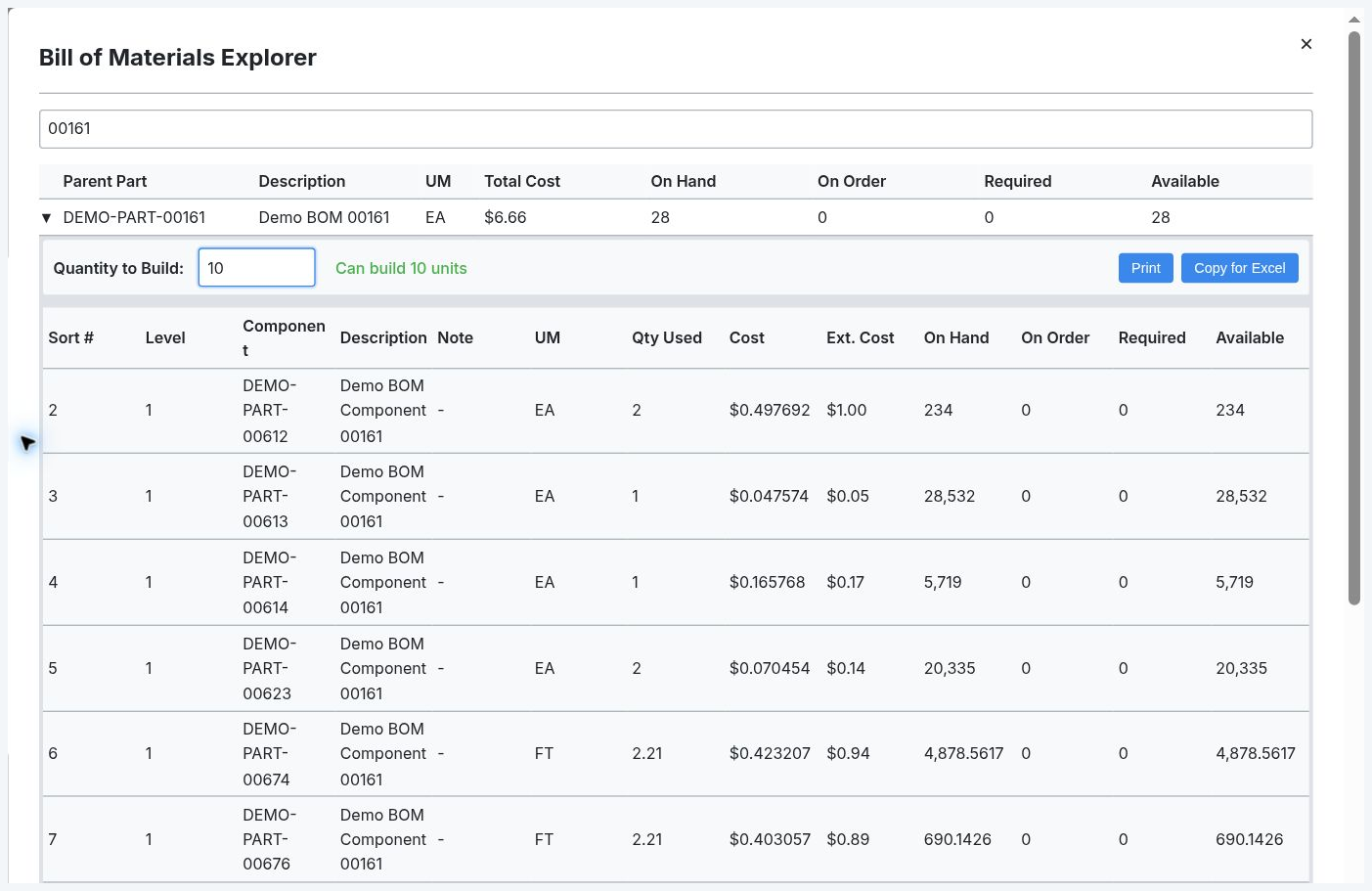
Follow a 10-unit build in PAX. Check component requirements against stock on hand, create a work order, issue the material lots, record labor, and receive the finished goods with their cost breakdown.
The walkthrough shows the actual screens and numbers, including a $260.87 job cost carried into finished inventory. You can see what happens at each step before deciding whether the workflow fits your shop.

Built for straightforward manufacturing workflows
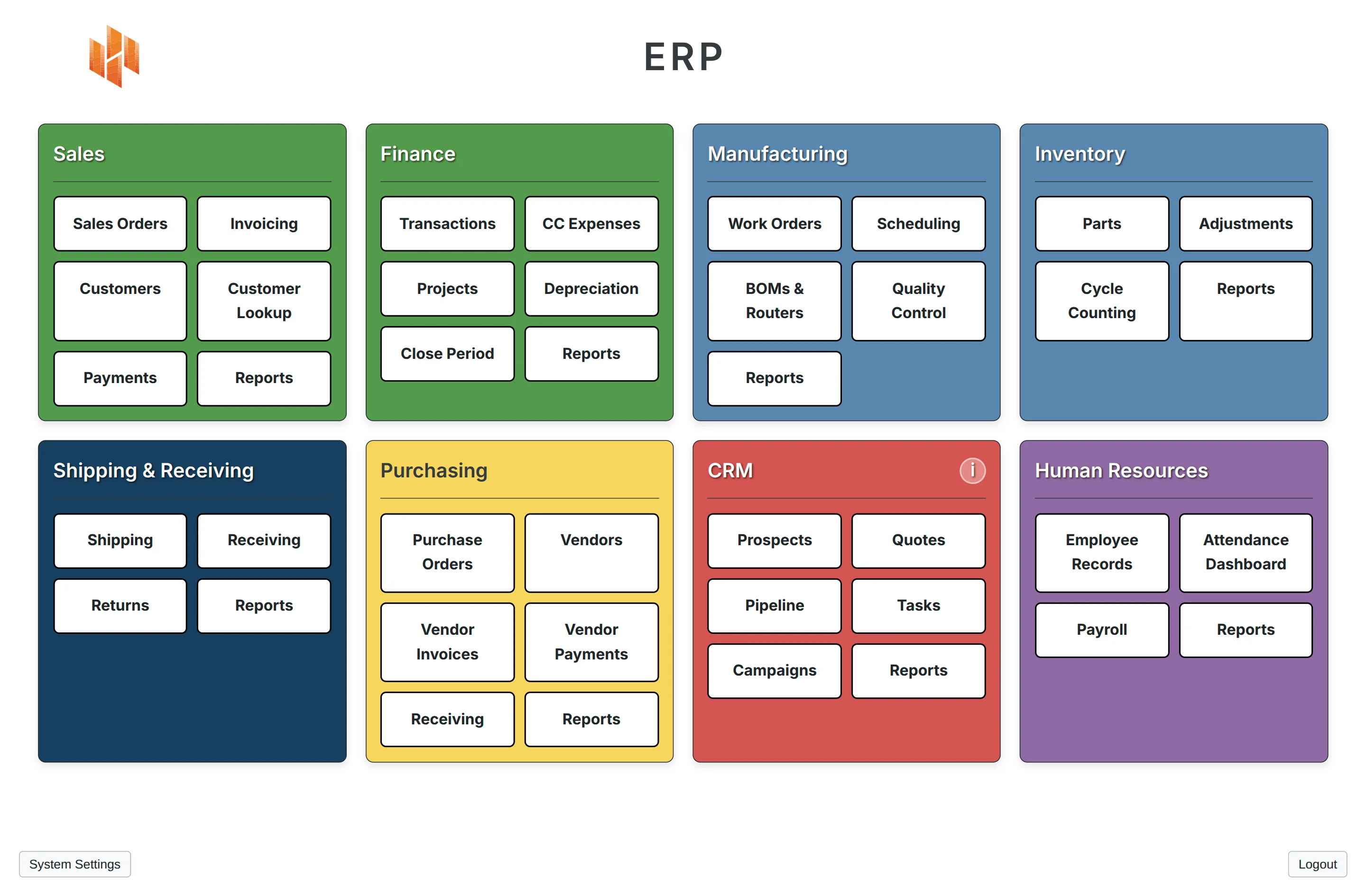
PAX is designed for small manufacturers using single-level bills of materials or simple multi-level assemblies. It is worth evaluating if your team wants production, stock, purchasing, accounting and customer follow-up together rather than spread across separate systems.
Bring an example of what you make and how you run a job. We can review the workflow with you, including materials, labor, shipping and accounting. If your operation needs complex assemblies, advanced planning or multiple facilities, discuss those requirements with us before choosing PAX.
Work with the records behind the job
Inventory and purchasing
Review stock levels, lots, expiration dates and costs. Use purchase orders and receiving records to track incoming material, and cycle counts to investigate differences between recorded and physical stock.
Explore inventory workflowsProduction and job costs
Use BOMs, routers and work orders to organize a build. Record issued material and labor, then review material, labor, overhead and outside-service costs. Receive completed goods into inventory, including partial completions when only part of the job is ready.
Explore work ordersSales and shipping
Carry a quote into a sales order, track open orders, and ship full or partial quantities. Keep packing lists, shipment invoices, lot details and FedEx labels with the shipping workflow.
Explore shipping workflowsAccounting and reporting
Review the general ledger, payables, receivables and financial statements alongside operations. Use aging reports to investigate outstanding balances and reconciliation tools to check the records. Your team still reviews exceptions and completes the accounting close.
See how aging reports workCRM and follow-up
Track prospects, opportunities and dated follow-up tasks in the same system as customer records and quotes. Convert accepted quotes to sales orders without rebuilding their line items.
Explore PAX CRMHelp using PAX, with Paxy AI
Ask Paxy how a documented workflow works and open its source guides. Admin and executive users can also ask read-only questions about ERP and CRM data and export supporting results. Paxy does not create or change business records; important findings should be checked against the underlying screens and reports.
See what Paxy can doPlanning the labor component of a job? Use the Manufacturing Labor Cost Calculator.
Know what is included before you switch
| Plan | Monthly subscription | Main ERP users |
|---|---|---|
| Small Team | $350/month | Up to 5 |
| Unlimited | $700/month | Unlimited |
Both plans include all standard ERP and CRM features, unlimited floor-only clocking users, onboarding, data mapping and migration, training, and support. Each subscription covers one company at one location.
Floor-only users clocking in and out of jobs or the working day do not count toward the five-user allowance. People who also use main ERP roles do count.
See annual pricing and plan detailsEvaluate the work you need PAX to handle
Start with a walkthrough of your process or request a trial to explore it yourself. Tell us what you make, which system you use today, and what you need to improve. That gives us a useful place to start.
Compare PAX with other systems