AI in ERP for Manufacturers: Practical Use Cases
AI in ERP is getting louder than it needs to be.
For most manufacturers, the best use of AI is not letting a model create purchase orders, post journal entries, or make inventory adjustments. That sounds impressive in a demo, but it is not where AI is most useful right now.
The best use of AI in ERP is much simpler.
It should help you answer one-off data questions quickly. It should help your team understand how to do things in the system. It should be built into the ERP, not treated like a separate product. It should be fast. It should be narrow. It should be read-only.
That is our view of where AI belongs in ERP in 2026.
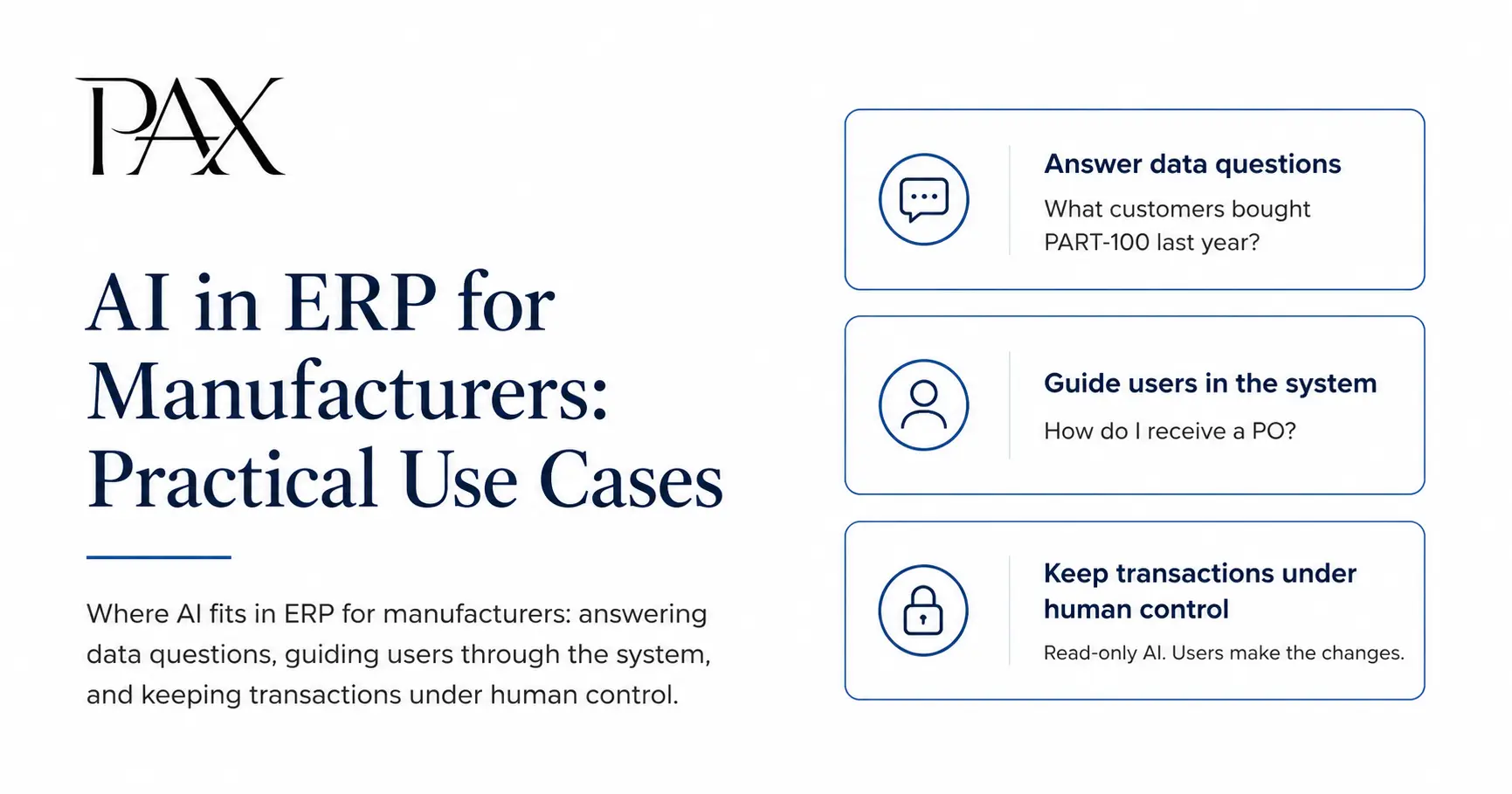
The first job: answering one-off data questions
ERP systems already hold most of the answers your team needs. The problem is getting to them.
A production manager might ask, “What customers bought this part last year?” A purchaser might ask, “When did we last receive this item?” A controller might ask, “What were invoice sales to this customer in 2025?”
None of those questions should require a custom report, an Excel export, or a message to the one person who knows where everything lives.
That is where AI fits very nicely.
A good ERP AI assistant should let an authorized user type a plain-English question, search the right ERP data, and return a concise answer with enough supporting detail to verify it.
This is the current design of Paxy AI inside PAX. Paxy is built for plain-English questions about ERP and CRM data, including sales, purchasing, inventory, lots, manufacturing, quotes, shipments, returns, CRM activity, and accounting-related summaries. It returns a short answer, key findings, notes when needed, and CSV and PDF export options. The goal is not to replace every formal report. The goal is to make known data questions faster to answer. (paxerp.com)
This same pattern is showing up elsewhere in ERP. Microsoft’s Business Central Copilot documentation says chat can help users find company data, learn how to do things, and understand fields, processes, and features. Its Responsible AI FAQ says Copilot can locate pages and records, convert natural language into native searches, and run those searches under the user’s own identity.
That matters because it shows where the practical value is. The near-term value is not “AI replaces your operations team.” It is “AI gets your team to the answer faster.”
The best AI questions are specific
ERP AI is not magic. It works best when the question is grounded in real business identifiers.
Good questions look like this:
- “What were total invoice sales to CUST-001 in 2025?”
- “When did we last receive PART-100?”
- “Show purchases from VEND-001 so far in 2026.”
- “What customers bought MFG-PART-001 last year?”
- “What is currently on hand for this part?”
Bad questions look like this:
- “How are we doing?”
- “What happened with that vendor?”
- “Show me the part issue.”
The first group gives the system a customer, vendor, part, order, invoice, work order, or date range to work with. The second group forces the system to guess.
In our experience, most manufacturers do not need AI to invent a new way to analyze the business. They need help getting to the facts already sitting in the system.
That is why verification matters. If an AI assistant gives you an answer about sales, inventory, or accounting, it should also give you a way to inspect the rows behind the answer. Paxy does this with CSV exports for supporting data and PDF reports for cleaner review. If a result looks surprising, the user can review the source rows instead of just trusting a chat response. (paxerp.com)
The second job: explaining how to use the system
The next best use of AI in ERP is helping users understand how to do things in the system.
A new employee needs to know how to create a sales order. A warehouse user needs to know what to do after receiving a PO. Someone in accounting needs to understand what a field means. A salesperson needs to know where customer order history lives.
Today, that usually means asking a manager, searching documentation, or interrupting the one person who knows the system best.
AI can reduce that burden if it is grounded in the actual ERP documentation.
That is where Paxy is headed next. Paxy is being trained on PAX documentation so users can ask how to do something in the system and get a direct, system-specific answer. The goal is not to replace your company’s internal procedures. The goal is to make the ERP itself easier to learn and easier to use.
Microsoft’s Business Central Responsible AI FAQ describes a similar use case. Users can ask Copilot to explain a concept or provide guidance on a task, and Copilot searches official Business Central documentation rather than doing a broad web search. The same FAQ also says this explain-and-guide mode does not take action, create new data, or modify configuration.
That is the right boundary.
For small manufacturers, the training burden is real. In our ERP cost breakdown, we noted that many vendors charge separately for training, with initial training often costing $1,000 to $2,500 per user, plus 10% to 15% of first-year software cost for ongoing annual training. (paxerp.com)
AI will not eliminate all training. It should not. People still need to understand your process, your controls, your products, and your quality requirements.
But it can remove a lot of the repeated “where do I click?” and “what does this field mean?” training. That is a real savings for a 10, 20, or 50-person manufacturer where every interruption matters.
What ERP AI should not do
ERP is not a note-taking app. It is not a marketing assistant. It holds inventory, customer orders, invoices, payments, lots, costs, and accounting records.
That means the AI boundary needs to be stricter.
In our view, ERP AI should not create, update, post, void, delete, or otherwise change records. The user should make the change. The AI can help the user understand what is happening, find the data, summarize the history, and point to the next step. It should not be the actor of record.
Paxy is built this way. It is read-only. It cannot create orders, invoices, payments, or inventory adjustments, and it cannot post, void, update, or delete records. (paxerp.com)
That may sound conservative, but in ERP it is practical.
If AI miswrites an email, you can fix it. If AI posts the wrong payment, adjusts the wrong lot, or closes the wrong work order, you now have an accounting, inventory, or traceability problem.
Some large enterprise systems are moving further into transactional AI. SAP’s Joule capability documentation, for example, describes use cases where Joule can help make direct supplier payments, schedule payment proposals, create payment runs, and block or unblock supplier payments.
That may make sense in some large enterprise environments with heavy approval layers. It is not where we think small manufacturers should start.
For most small manufacturers, the safer and more useful model is this: AI reads and explains. People decide and act.
That also matches basic AI risk management thinking. NIST’s AI Risk Management Framework materials emphasize ongoing monitoring, risk controls, appeal and override mechanisms, decommissioning, incident response, and change management for deployed AI systems. (airc.nist.gov)
In plain English: keep control clear.
AI should be built in, not bolted on
ERP AI should not become another pricing trick.
It should not be a separate subscription layered on top of the ERP. It should not require the customer to bring their own API key. It should not require the customer to understand which AI provider is being used, how to configure it, or how to troubleshoot it when it breaks.
If AI is part of making the ERP easier to use, it belongs inside the product.
PAX handles the AI connection for Paxy behind the scenes. Users do not need to manage keys or connect directly to the AI provider. Paxy also uses curated data areas, result limits, sensitive-field filtering, and tenant protections so the AI workflow only receives what it needs for the reporting task. (paxerp.com)
The pricing philosophy should match that. PAX sells flat-rate tiers: $350/month for up to 5 users, $900/month for up to 20 users, and $1,500/month for 50+ users. All features are unlocked in every tier, with no module-gating, no user-type tiering, no implementation fee, and free data migration. (paxerp.com)
That is the right direction for AI too. It should make the ERP more useful, not become a separate procurement project.
AI should be fast and focused
A slow AI feature does not get used.
If your team asks a question and waits several minutes for a bloated answer, they will go back to spreadsheets, saved reports, or asking someone else.
ERP AI should be narrow enough to stay fast. It should answer the question. It should avoid huge raw data dumps in the chat window. It should show supporting detail only where it helps. It should not try to become a general-purpose chatbot living inside your ERP.
Paxy is intentionally limited this way. It caps detailed export results, caps PDF table size, filters sensitive fields, and reuses the already-generated result for CSV and PDF instead of asking the AI model to reinterpret the question again. (paxerp.com)
That is not a weakness. For ERP, the precision is key.
Where PAX fits
PAX is built for small manufacturers, especially teams with roughly 5 to 50 employees and simple-to-moderate BOMs. It is not trying to be an enterprise platform for a 40-site global manufacturer.
That same thinking applies to Paxy AI.
Paxy is currently an AI reporting assistant for authorized admin and executive users. It is best for quick, focused questions about real ERP and CRM data. It is not a replacement for formal accounting review, and it is not an automated clerk that changes records for you. (paxerp.com)
The broader direction is simple: use AI to remove friction between people and the truth already in the system.
That means fast answers to one-off data questions. It means documentation-based guidance for how to use the system. It means read-only access, source rows, and clear user control.
Not AI theater. Not another add-on fee. Not a model pretending to run your company.
If you are a small manufacturer evaluating ERP and want AI that helps your team get answers faster without giving up control of your data or transactions, reach out. We’ll tell you honestly whether PAX makes sense for you, or whether something else is a better fit.
Written by
Matthew Obey
May 8, 2026