Medical Device Manufacturers
ERP for Small Medical Device Manufacturers
Designed specifically for Class I, II, and III medical device manufacturers with simple assemblies. PAX handles lot traceability, document retention, and GAAP accounting without the enterprise complexity. If a supplier flags a lot, you can follow the components through assembly to see which customers received the finished devices.

Using PAX ERP is like a breath of fresh air to us, after using other ERP systems that are needlessly laborious, time-consuming, or complicated. PAX ERP is designed by people who have actually performed the functions and incorporated their improvement ideas into the design of the PAX modules.
SOSteve O., President & CEOImpulse Medical Technologies, Inc. · ISO 13485 · Since 1975
Built by people who manufacture
PAX was built inside a medical device manufacturing facility near Seattle. We needed an ERP that understood lot traceability, 10-year document retention, audit-ready organization, and clean GAAP accounting.
Existing systems were overly complex for these specific, albeit simple, requirements. They were also very expensive, and our previous system required $30k in implementation costs and $1600/month in subscription costs. Any simple customization would be a minimum of a $6000 quote.
We were tired of settling, so we decided to build what we actually needed.
Read the full story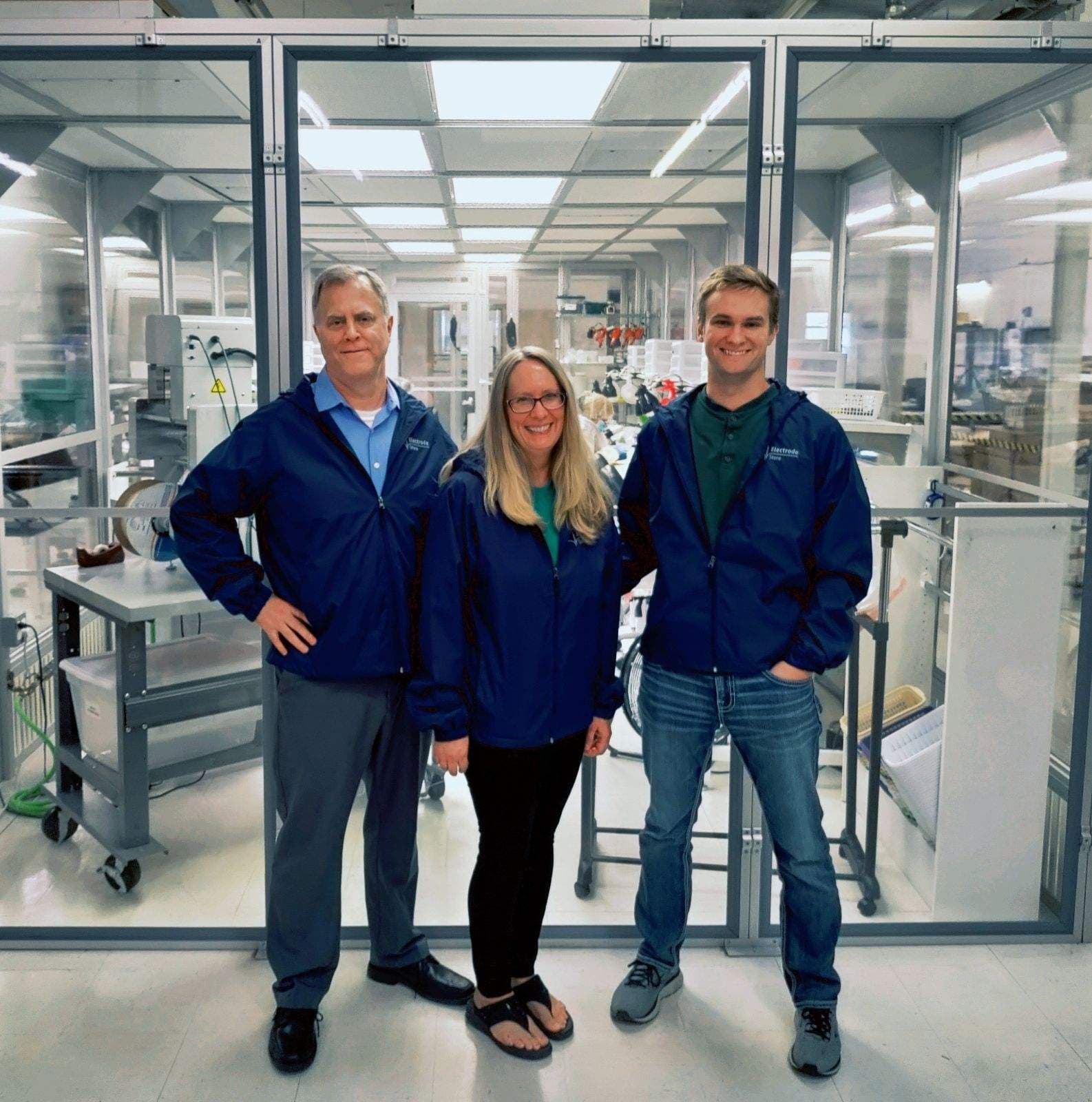
A supplier flags a component lot. Which customers received it?
Start with the component part number and the lot you recorded at receiving. PAX’s Component Lot Trace shows which work orders used that lot, the finished lots those jobs produced and the customers who received shipments from them. It also shows how many of the original components are still on hand.
Example. Say you receive 120 connectors from supplier lot C-417. Your team issues 80 to one work order and builds 80 lead assemblies, one connector each, in finished lot L-82. Two customers receive shipments before the supplier calls about C-417.
| What you need to know | What you would find in this example |
|---|---|
| How many unused connectors are still here? | The component lot shows 40 connectors on hand. The work order accounts for the 80 issued. |
| Which finished products should we check? | The work order produced 80 lead assemblies in lot L-82. |
| Who received them? | The shipment lines for L-82 show 45 assemblies sent to one distributor and 15 to another. Each line identifies the customer, order, quantity and ship date. |
| How many finished assemblies are still here? | Finished Good Lot Trace for L-82 shows 20 assemblies on hand. |
If the call comes from a customer, start at the other end. Use the finished lot on the packing list to find the work order that produced it, then check which component lots your team issued to that job.
What if we use two component lots on the same work order?
PAX connects component lots to finished lots through the work order. If one job used connectors from two lots and produced two finished lots, a trace on either connector lot brings both finished lots into the review. To identify which individual assembly received which connector lot, you’d need a more detailed production record. This is worth testing with your own batch sizes if you change component lots partway through a run.
At Impulse Medical Technologies, lot and expiration requirements vary by item. The team sets those requirements in PAX so receiving captures the information each product needs. Read the Impulse Medical case study.
Try it with a lot you know. Bring one component lot, its work order and a packing list. We’ll walk the records in both directions and check the quantities with you. Request a lot-tracking walkthrough.
Read the guide to medical device lot traceability. It covers spreadsheets, quality systems and ERP for readers still comparing approaches.
What PAX does
Lot & Expiration Traceability
Set lot and expiration requirements by item. Finished lot numbers print on packing lists, so a customer can give you a starting point when they call about a shipment. See the lot trace example.
10-Year Document Retention
PAX keeps work orders, lot issue records and shipment history. You can trace a component lot to customer shipments and retrieve their packing lists and invoices. Your quality management system handles controlled procedures, training and corrective actions.
Simple Manufacturing Operations
Single-level BOMs work out of the box, and simple multi-level assemblies are supported without additional modules. Order-driven manufacturing scheduling. Nothing more, nothing less. A clean MRP system.
GAAP-Based Accounting
Clean bank reconciliation. Transparent inventory transactions. No grouped mystery entries obscuring your financial picture. We are constantly striving to improve our accounting processes and make it easier for small teams and stress-free for accountants.
Built for Small Teams
Integrated CRM, FedEx/UPS shipping integrations with automatic label printing, employee labor tracking rolled into work orders, quote-to-order with zero data re-entry. Every feature designed to reduce manual work and make life simpler for your team in the office and on the shop floor.
Key capabilities
- Work order, shipment and invoice history
- Lot/expiration tracking with finished goods component traceability
- Quote-to-order conversion with no re-entry
- FedEx/UPS integrations with automatic tracking and label printing
- Support for Commercial Invoices, Certificates of Origin, Declarations of Conformity, Health Canada documents, etc.
- CRM functionality designed for lean/efficient sales teams
- Employee labor costs automatically assigned to work orders (including their general time-tracking for payroll)
- GAAP-compliant accounting with streamlined bank reconciliation
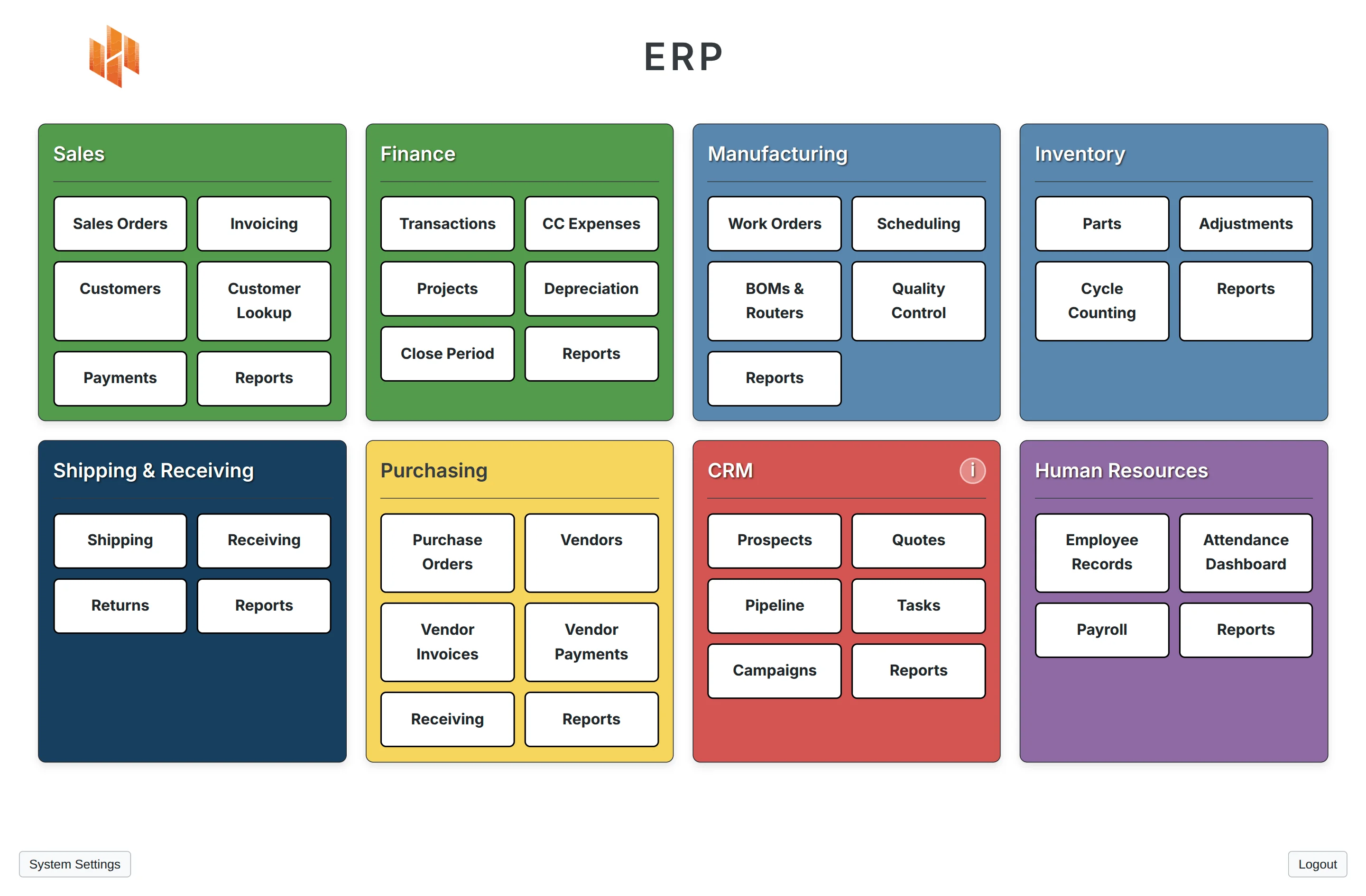
Onboarding, data migration, training and support included.
Typical ERP
PAX
Transparent pricing
For one company at one location.
Small Team
$350/month
Up to 5 main ERP users
Unlimited floor-only clocking users included
For teams with up to 5 people using the main ERP and CRM tools.
- Full ERP and CRM
- All standard features
- Onboarding, data mapping and migration
- Training and support
Unlimited
$700/month
Unlimited main ERP users
Unlimited floor-only clocking users included
For teams that need more than 5 main ERP users.
- Full ERP and CRM
- All standard features
- Onboarding, data mapping and migration
- Training and support
Questions about fit or migration? Tell us about your shop.
Full ERP and CRM access for 14 days. Setup within the day. No credit card required.
Floor-only users who clock in and out of jobs or the working day do not count toward Small Team’s main ERP user allowance. People who also use main ERP roles count as main ERP users. Existing eligible no-cost advisor access remains available with customer approval.
Is PAX the right fit?
PAX was built for medical device manufacturers with regulatory compliance requirements. PAX supports single-level BOMs and simple multi-level assemblies. For more complex BOM requirements, talk with us about your workflow so we can confirm whether PAX is a fit. If your operation requires advanced demand planning, we can help you evaluate alternatives. We'd rather point you toward the right system than watch you struggle with the wrong one.
Answer a few quick questions to see if PAX is a good match.
Get in touch
We won't contact you with marketing emails. A human on our team will correspond with you directly.